DevNotes
An offline-first Windows notes app for developers: OneNote-style notebooks with rich editing on top of plain Markdown.
- Status
- In development
- Read
- 4 min
- Source code
- Private repository
- 2272Automated .NET tests
- 730Automated editor tests
- 554Acceptance criteria specified
- 10Architecture decision records
The problem
Developers keep a lot of working knowledge in notes: commands, snippets, meeting decisions, tasks, half-written designs. General note apps are either cloud services with accounts, or plain-text editors without structure. OneNote has the right shape (notebooks, sections, pages) but stores notes in a format nothing else can read and has weak support for code. I wanted a notes app that works fully offline on one PC, organises notes the way OneNote does, treats code as a first-class citizen, and keeps every note as plain Markdown, so the notes outlive the app.
What I built
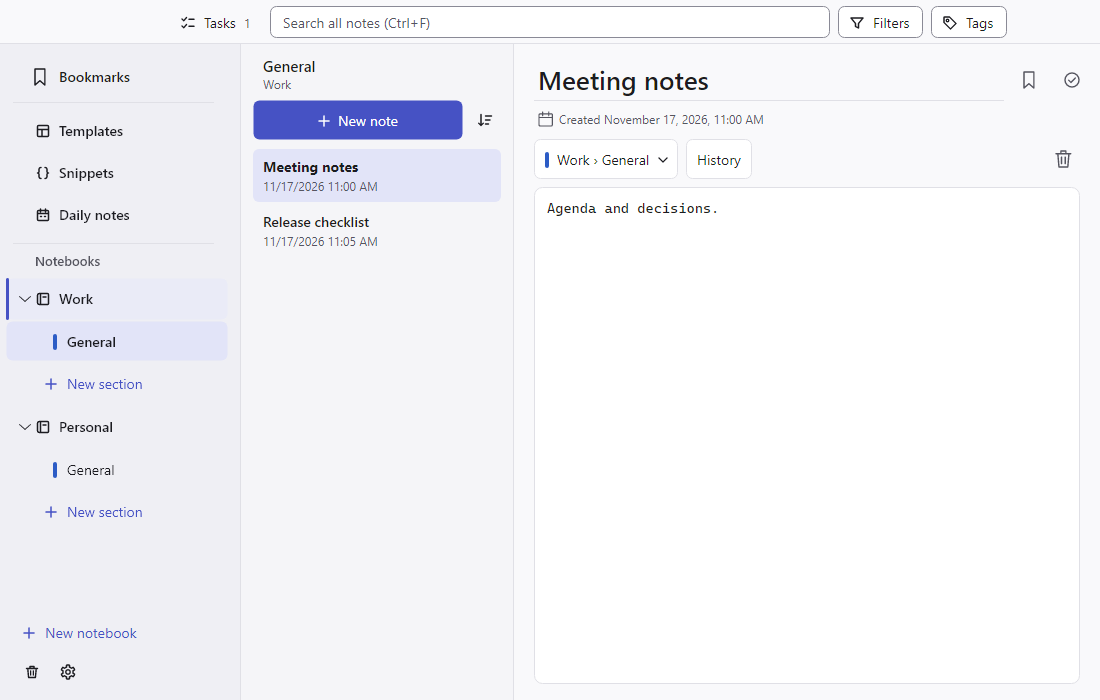
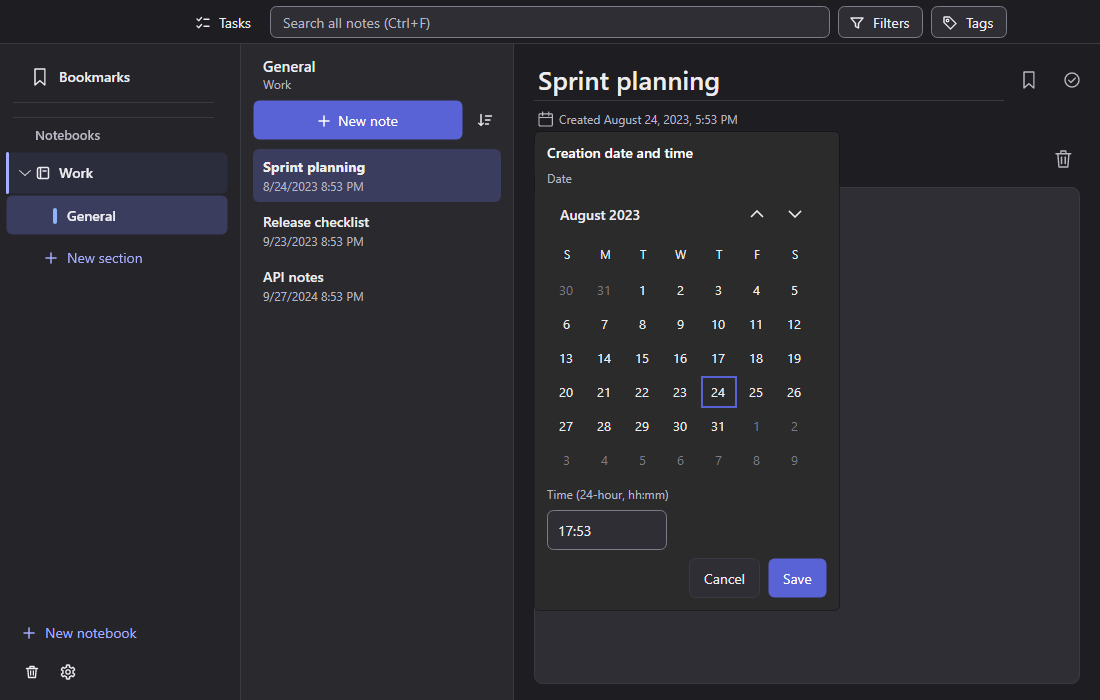
DevNotes is a Windows desktop application. Notes live in a local SQLite database in a folder the user chooses, and each note body is Markdown.
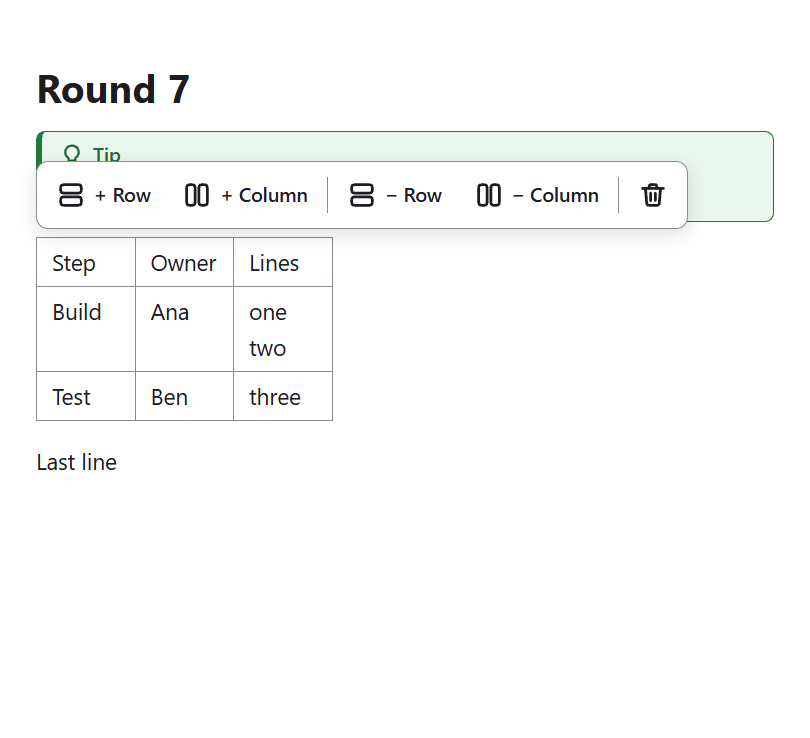
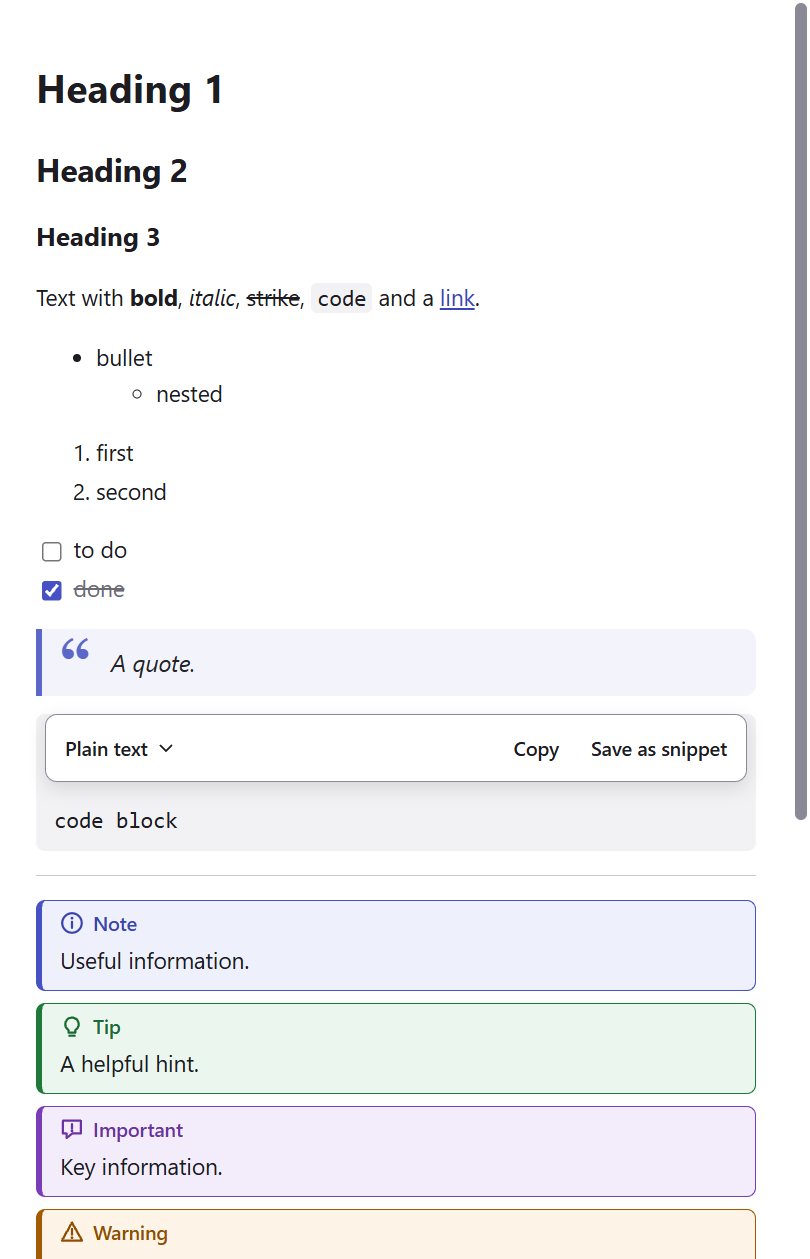
- Editing: a rich editor shows formatting in place (headings, lists, checklists, quotes, links, pictures) and adds developer blocks: code blocks with syntax highlighting and a language menu, tables, GitHub-style callouts, coloured banners, toggles and a table of contents. A source view shows the Markdown itself.
- Organising: notebooks, groups and sections, as in OneNote; tags, links between notes with backlinks, bookmarks, templates, reusable snippets and a daily note.
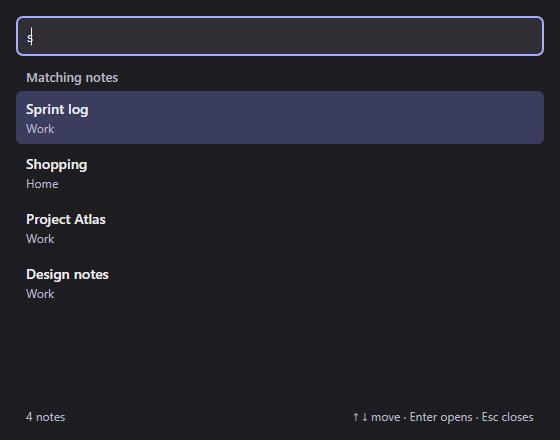
- Finding: full-text search with filters, a quick switcher, and a command palette.
- Tasks: every checklist item in every note, gathered in one view, with due dates and priorities.
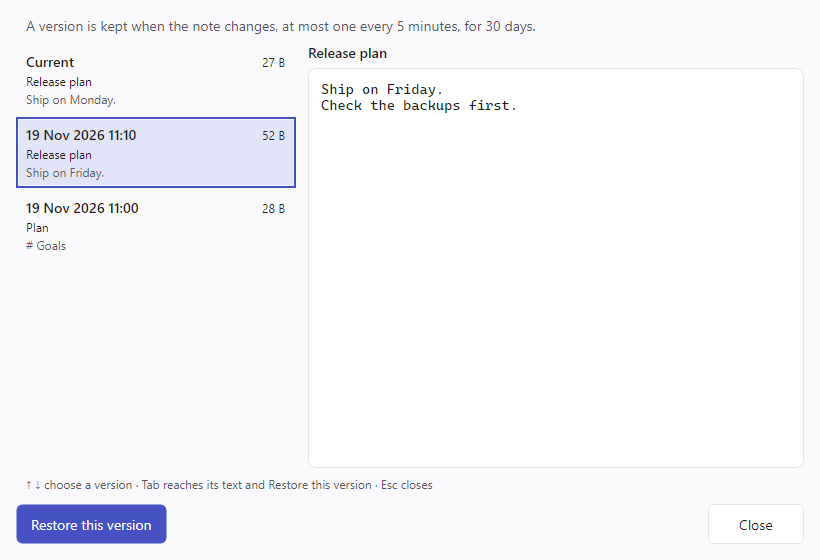
- Keeping: autosave, a trash, version history per note, a backup to a folder of one's choice, and export and import of all notes as Markdown files.
- Look: light and dark themes, keyboard access to every command, and screen-reader names on the controls.
Key engineering decisions
- Markdown is the record, rich editing is the view. The editor (Tiptap on ProseMirror) converts Markdown to a document and back. A note that is opened and not changed is written back byte for byte, and any syntax the editor does not model is kept as a raw block instead of being lost. Reason: the notes must stay readable in other tools and survive the app.
- New syntax is a one-way door. Every extension to Markdown (callouts, colours, table column widths, line breaks in table cells, links) is decided in an architecture decision record and chosen so that GitHub and other renderers still show something sensible, for example table widths as a hidden HTML comment. Reason: once notes contain a form, it cannot be changed without migrating them.
- A desktop shell with a web editor, sealed off from the network. The app is Avalonia (.NET) and the editor runs in an embedded WebView2 page. The page has a strict content security policy and a dead proxy, and an automated test asserts that nothing in a note makes a request leave it. Reason: an offline-first app must not leak anything, even when a note holds pasted HTML.
- Local first, without closing the door to sync. No accounts and no server; SQLite with full-text search. Notes still keep stable ids, version counters and deletion markers. Reason: the app serves one user on one PC, and a sync through a shared folder stays possible later without a rewrite.
- One meaning of a note in two languages. The C# app and the JavaScript editor both read note text (tasks, tags, dates). Shared fixture files drive tests on both sides, so they cannot disagree. Reason: the task list and the editor must show the same tasks.
- Tests that see the real UI. Headless UI tests run the real main window in both themes and save screenshots, which are reviewed for every visual change; smoke tests run the real web view in a window that stays off screen. Every test carries the acceptance-criterion id it proves. Reason: most bugs in a notes app are in what the user sees.
- Specified before built, reviewed before merged. Each feature started as a spec with acceptance criteria, design questions went into decision records, and every change passed a local gate (build, format, all tests, package and secret scans) and a code review before it reached the integration branch. Reason: fast progress without losing control of quality or scope.
Screenshots